¶ Overview
The weekly newsletter is a very important source of information for the community, especially for those who don't use social media. It should be sent out every week, at the beginning of the week. The newsletter is written on MailChimp, an email marketing service.
¶ Beginning an Email
To start a new email, you can edit a previously made template, or you can create your own. Editing a template does not affect your record of previous emails-- these are all saved under the campaigns tab.
¶ Contents
Make sure to collect all relevant information prior to writing your newsletter. Check the Google Calendar for upcoming events (and encourage your leadership to keep it updated), check the Facebook group, and send out a slack message. Some weeks' newsletters may be longer than others. As a rule of hand, include all MSA sponsored events and annoucements and MSA sister organization events. If someone approaches you with a request for a space in the newsletter, make sure it relates to Muslim students as a whole, and use your best judgment.
Note: these sections below are just a guideline. You may add and remove any for any given week, as you see fit.
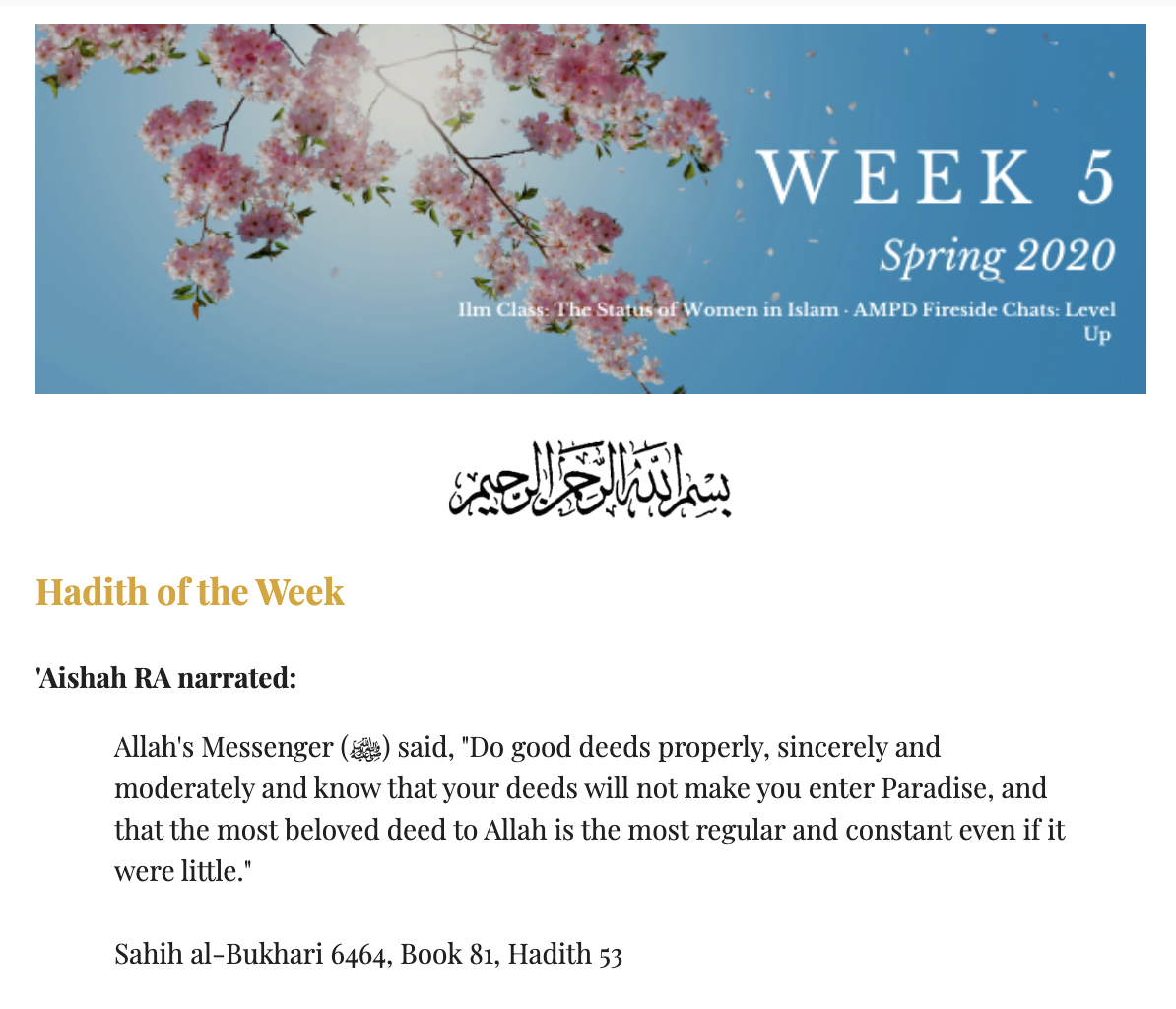
¶ Hadith of the Week
A great resource for authentic hadiths with citations is sunnah.com. It's important to start the week with an Islamic reminder!
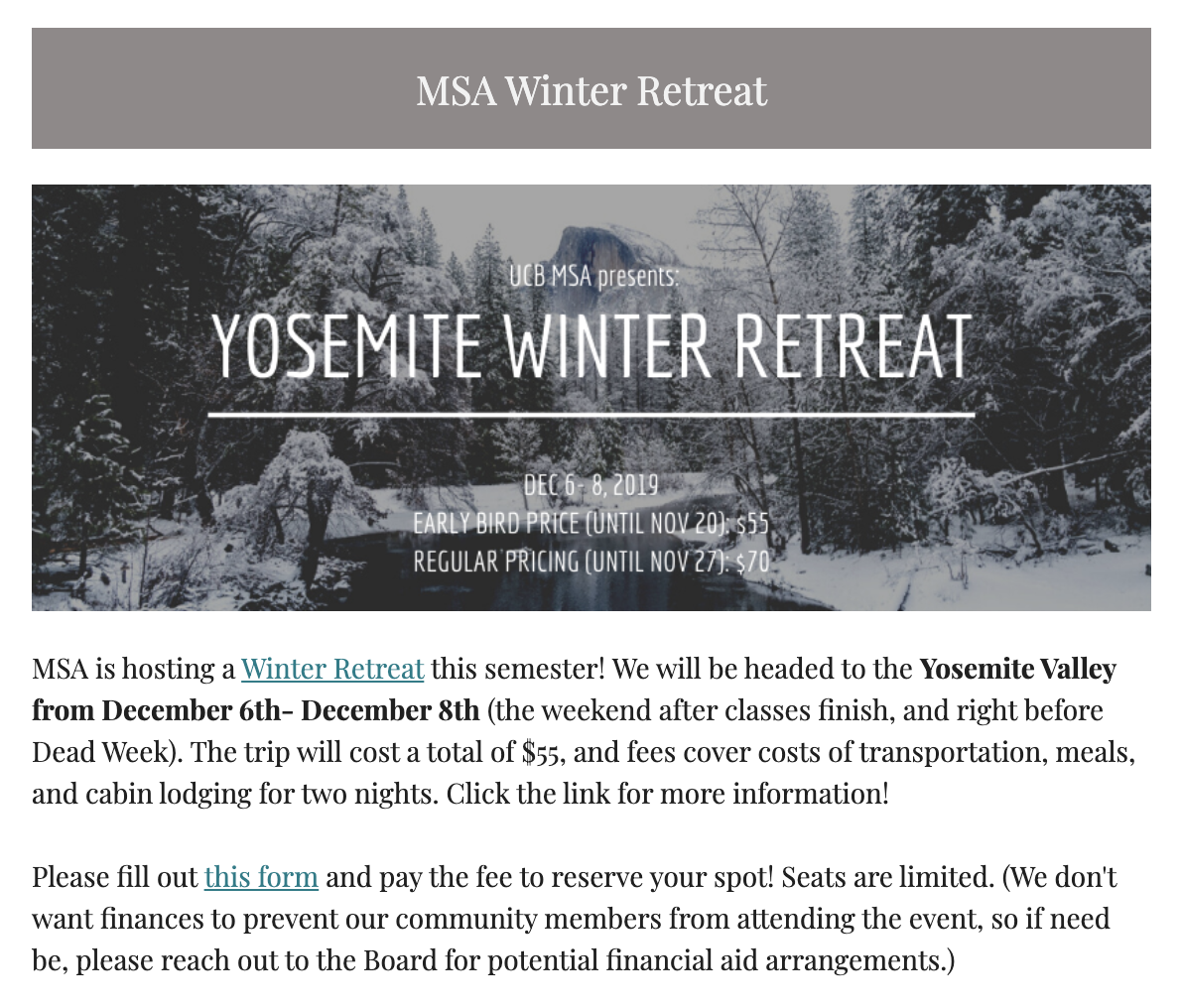
¶ Special Events and Announcements
If MSA has a special event coming up, use this first section to announce it. Special events are to the scale of Winter Retreat, MSA Benefit Dinner, MSA Elections, etc. If there is a statement that needs to be released to the community, this is the ideal section to do so as well.
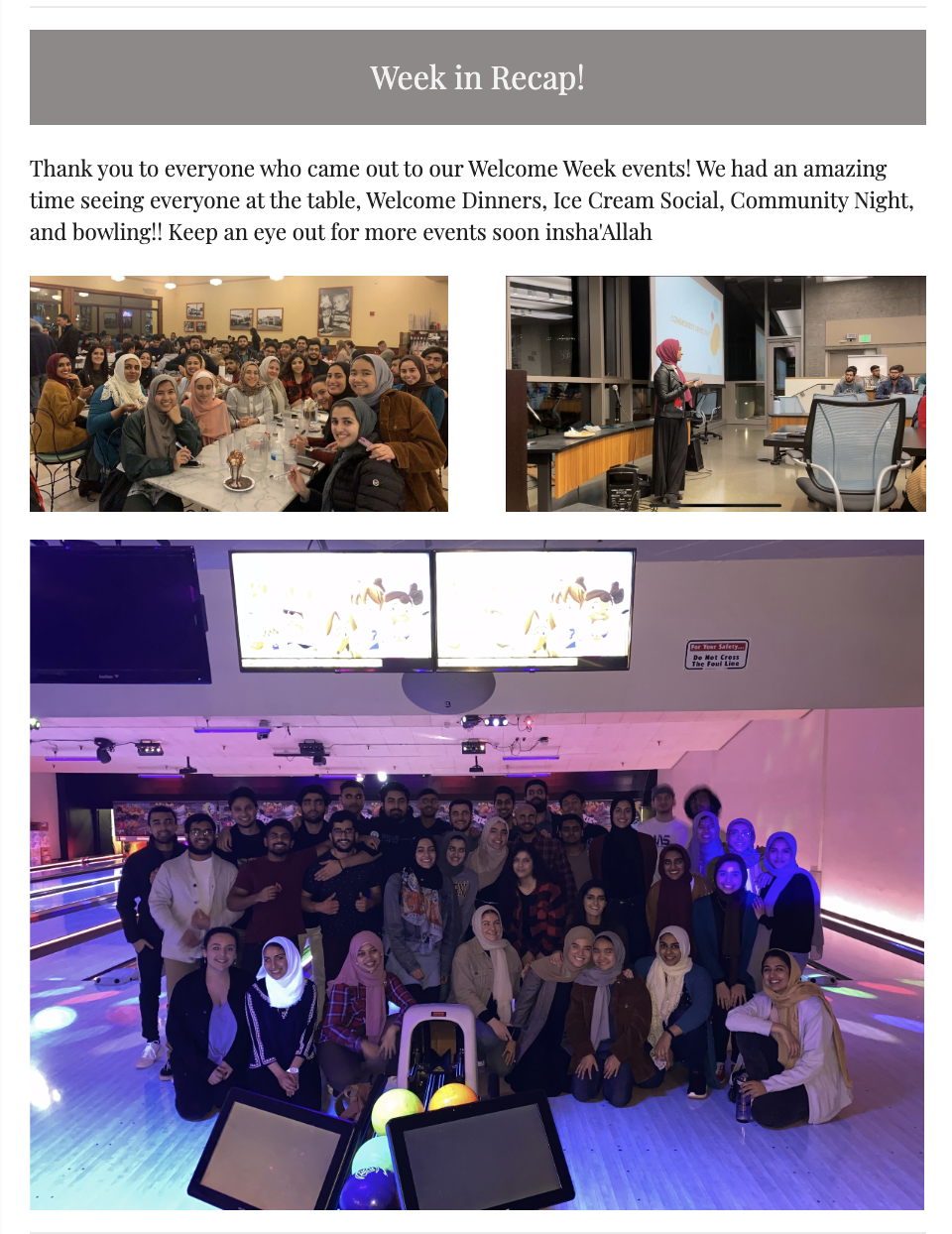
¶ Week in Recap
The Week in Recap section is important in documenting MSA efforts throughout the semester. This section is an opportunity to post and highlight pictures of community members at events. This section keeps community members updated on what events the MSA has put on and how successful they've been. This is crucial in defining MSA's brand!
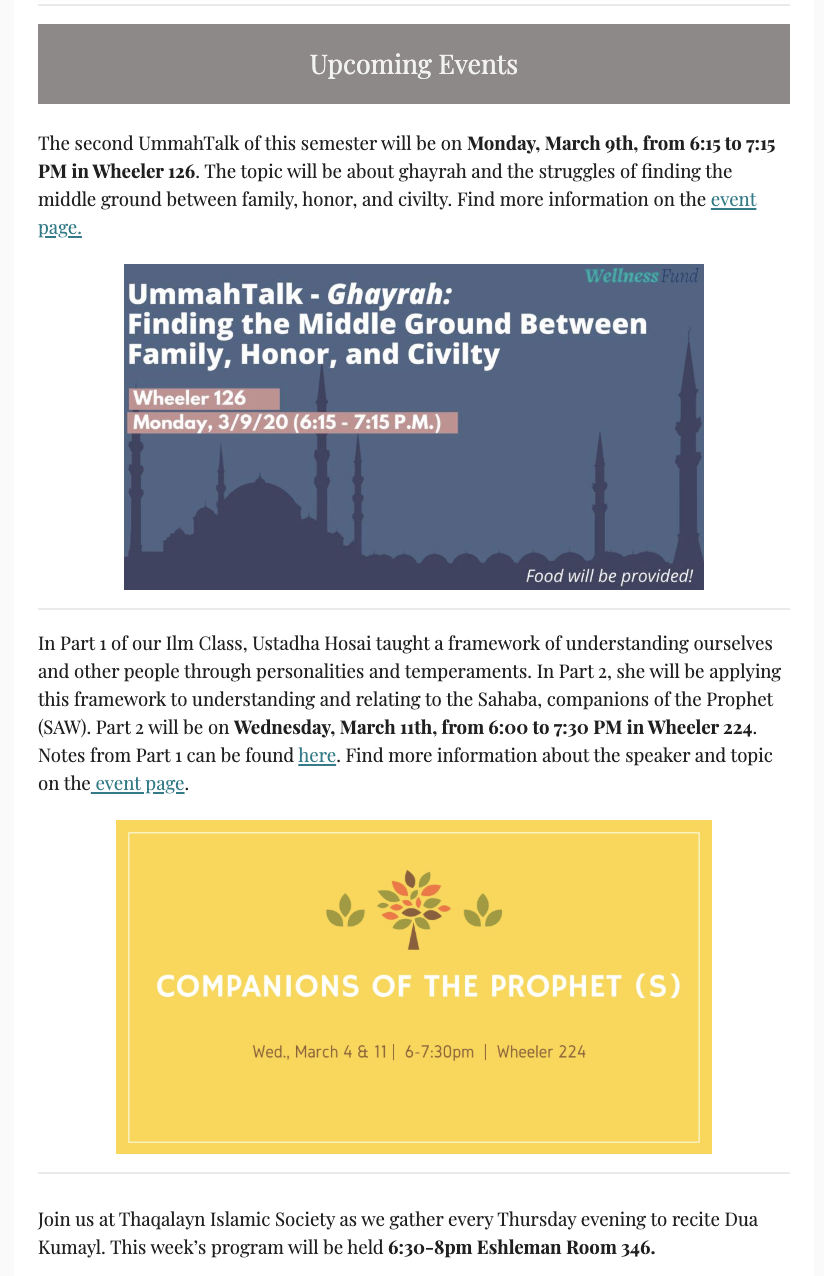
¶ Upcoming Events
The Upcoming Events section should include all events taking place in the upcoming week. It's important to send out Sunday night or Monday morning in the case that there are Monday events. If there are particularly important events happening in the week after, these can be included as well. Each event blurb should be short, with a hyperlink to the Facebook event page so readers can find more information. Date, time, and location should be bolded as the most important information. It's also recommended to have a graphic to accompany the event blurb.
¶ Opportunities
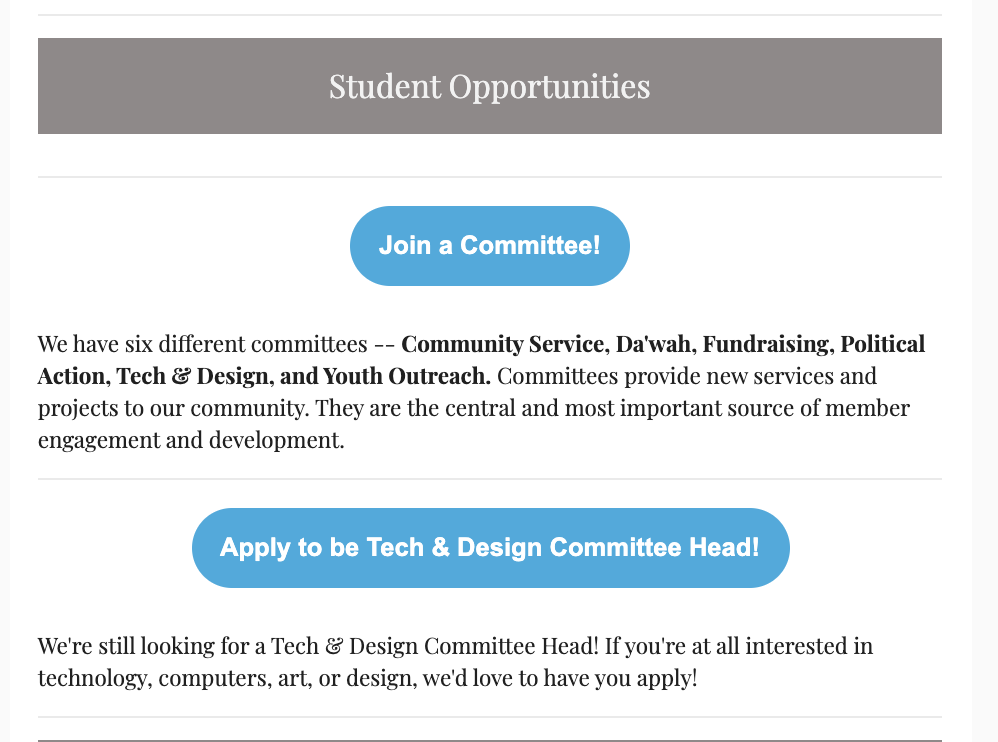
This is a good section to highlight both MSA and community opportunities. As Communications Director, you will be receiving many emails with opportunities for scholarships, internships, classes, etc. You may include those here. In addition, if there are MSA opportunities like Committee Head positions, Officer positions, or just committees in general, include them here.
¶ Resources
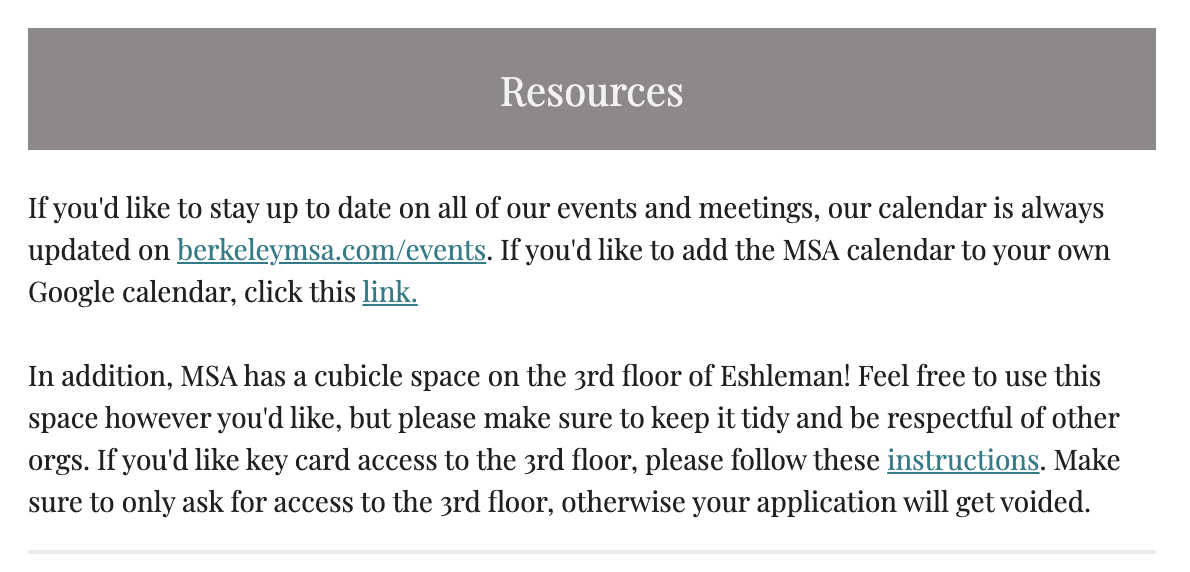
MSA has many community resources that much of the community either doesn't know about or has forgotten. This can include the Google Calendar, the Textbook Drive, the Housing Website, or even the Facebook groups. If the Communications Director feels it necessary, highlight resources for the community here.
¶ Week in Preview
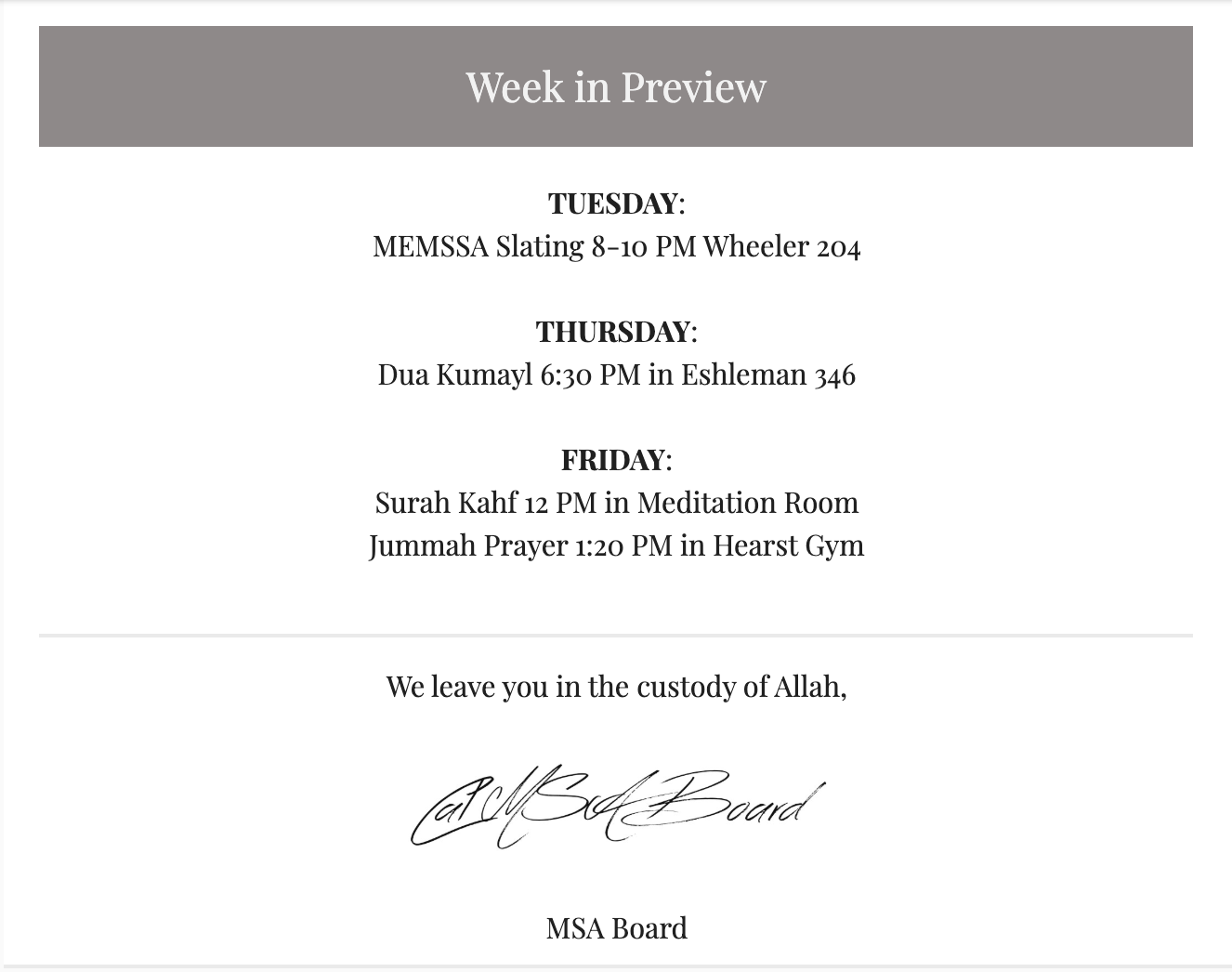
This section is a community favorite for people who don't have time to read through the entire email, or for those who want a concise overview of the week's events. The only necessary information is event name, time, and location.
¶ Sending it Out
Tip: Send a test email to board@msa.berkeley.edu first! This allows you and board to see if any layout issues, spelling errors, or missing information are in the email.
Once the email is ready, create a campaign, choose General Newsletter for the recipients, send it from the communications@msa.berkeley email (this allows all responses, should there be any, to be sent directly back to you), and write in a subject. The subject should highlight key MSA events of the week. Using emojis often catches people's eyes and leads to more opens!
The subject line often determines how many people read your newsletter. Keep it short, simple, and to the point!

¶ Comprehension Quiz
If you were instructed to read this page as part of an online training curriculum, you must submit this quiz and answer all questions correctly. In the case that you do not answer a question correctly, you may view which questions were incorrect and take the quiz again.